Flipbook
Flipbook proofing for brochures and paginated print
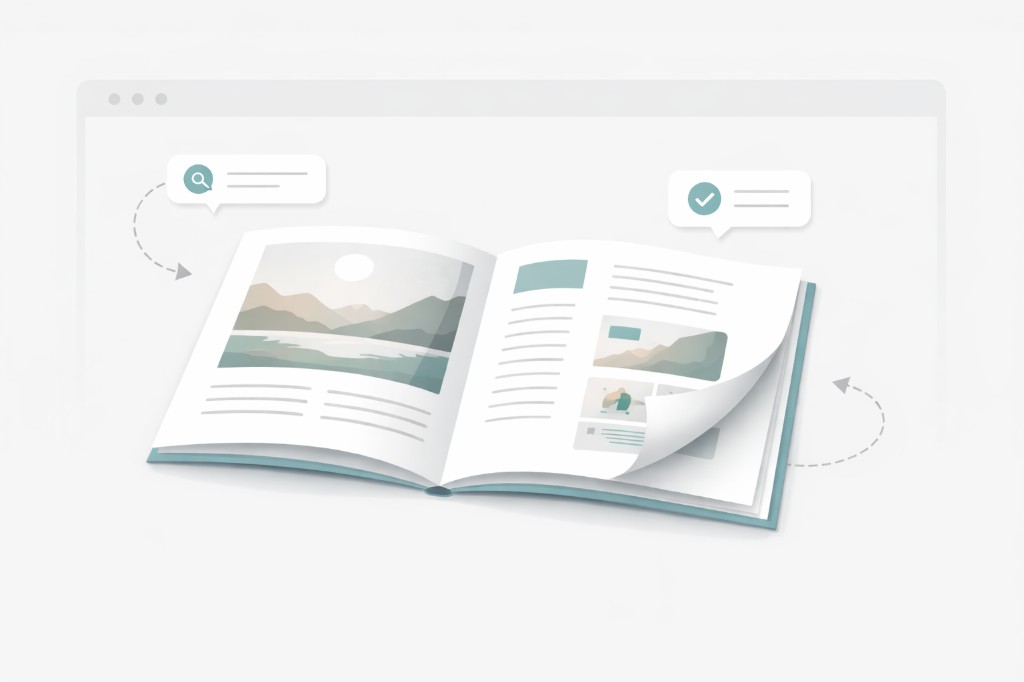
Turn a static PDF into a page-turning proof in one click so reviewers check order, flow, and layout the way readers will, while mistakes are still cheap to fix.
We announced a new product!Big news! We're excited to announce our prepress automation service. Learn more

Online Proofing
Stay organised, approve proofs faster, and avoid costly reprints by catching errors early and keeping every project on track.
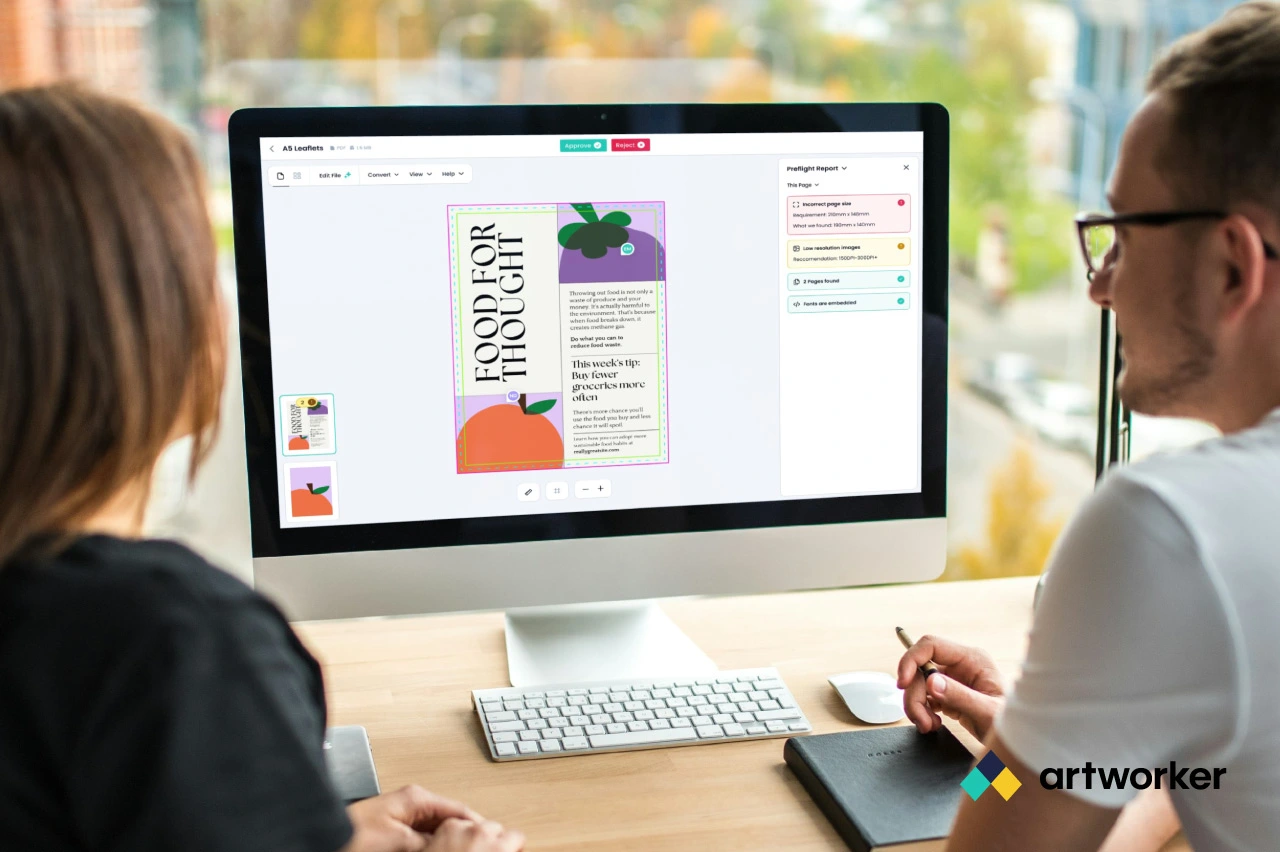
Brochures as real spreads, structural lines on packaging and wide-format art, and trim, bleed, and safe zones called out clearly, so every approval lines up with what prints and ships.
Flipbook
Turn a static PDF into a page-turning proof in one click so reviewers check order, flow, and layout the way readers will, while mistakes are still cheap to fix.
Dielines and cut paths
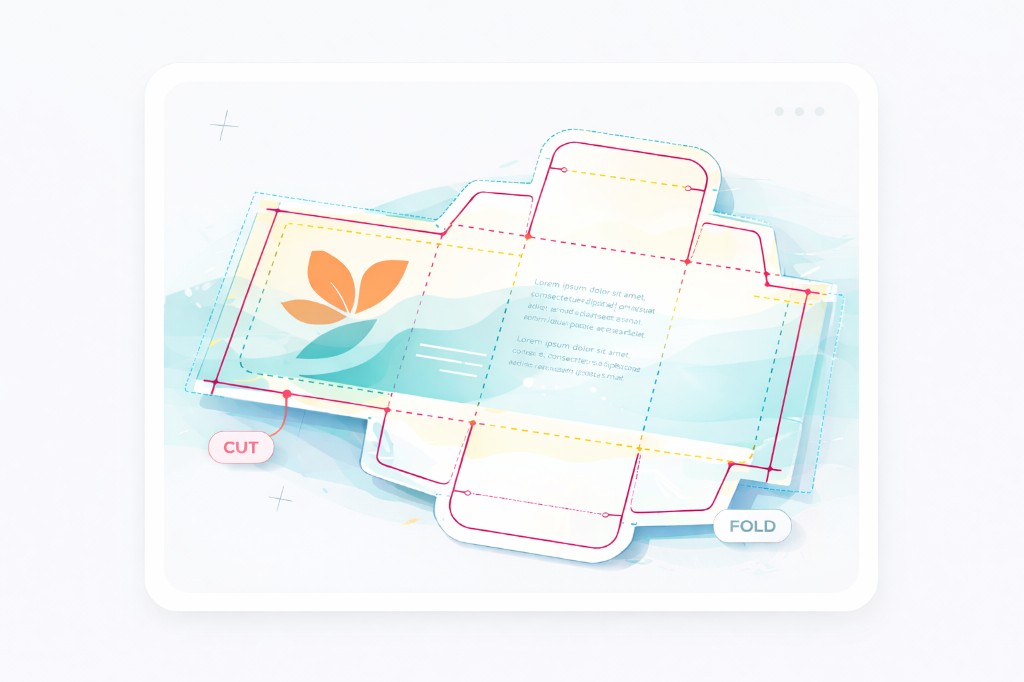
Put folds, creases, hems, binding guides, and cutter geometry on the flat art so studio teams and customers review in the same context finishing and bindery will use.
Bounding boxes
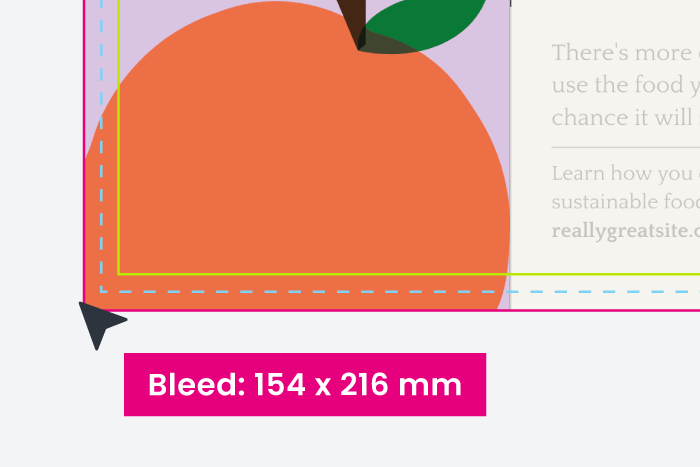
Boxes spell out where trim lands, how far bleed carries past the edge, and where key content should stay clear, without reviewers having to imagine prepress rules.
Flipbook
Turn a static PDF into a page-turning proof in one click so reviewers check order, flow, and layout the way readers will, while mistakes are still cheap to fix. Trim cropping keeps eyes on the finished piece, not PDF margins. Less back-and-forth and faster sign-off on catalogues, booklets, and anything paginated.
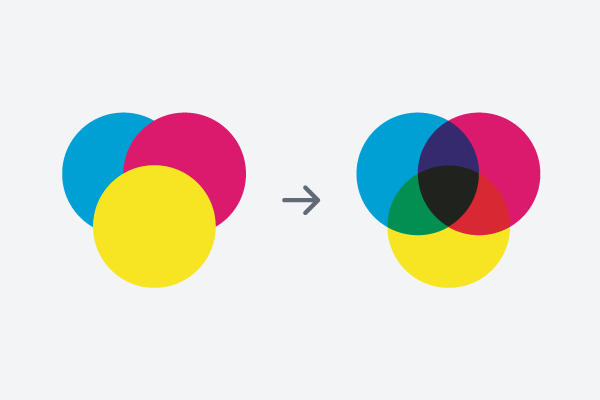
Allow customers to preview overprint effects, ensuring their design looks as expected before printing.
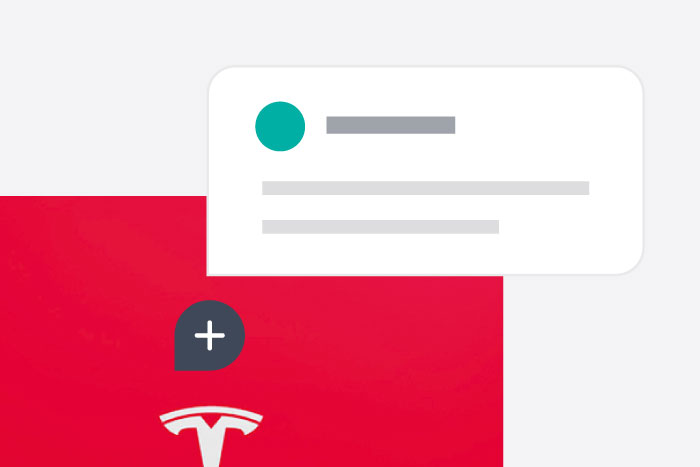
Notes are easier to understand when displayed in context.
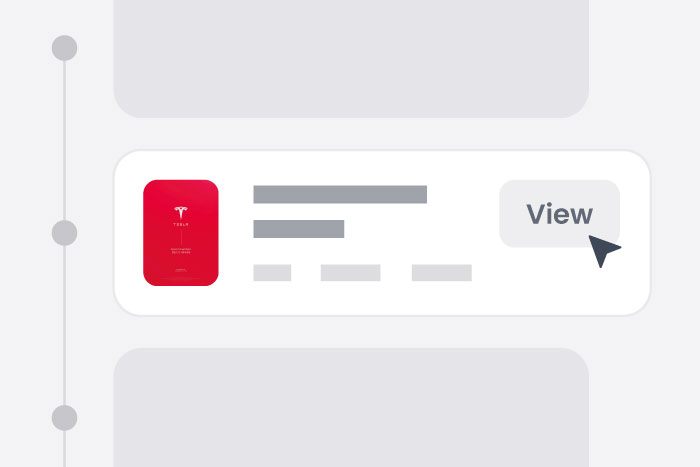
Ensure changes are easily managed and nothing is lost.
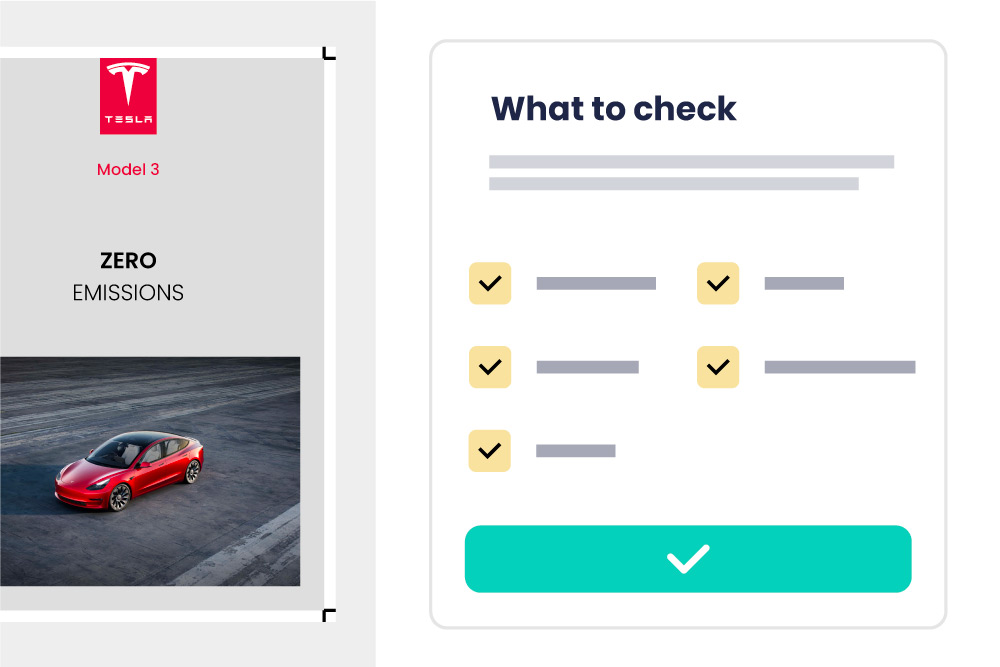
Inform customers of what to check, and provide confirmation once they're happy.
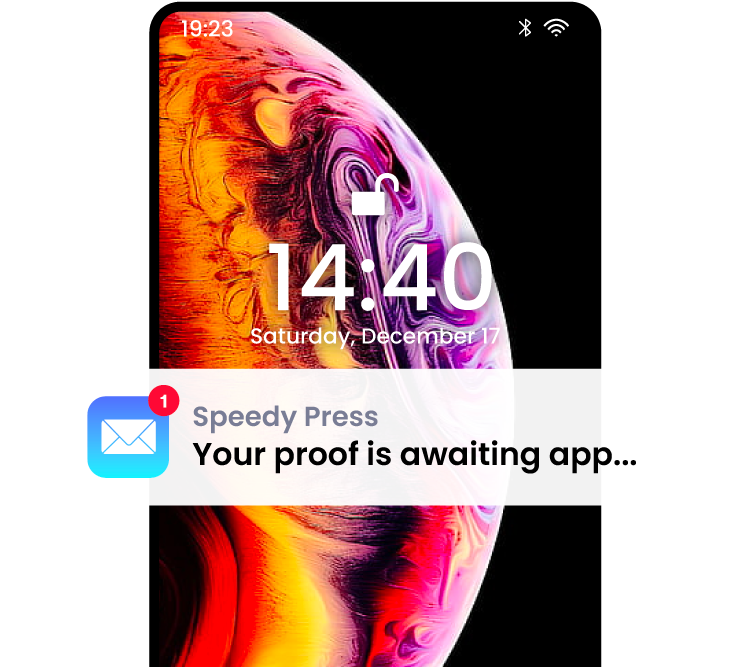
Claim your time back from constantly chasing up customers.
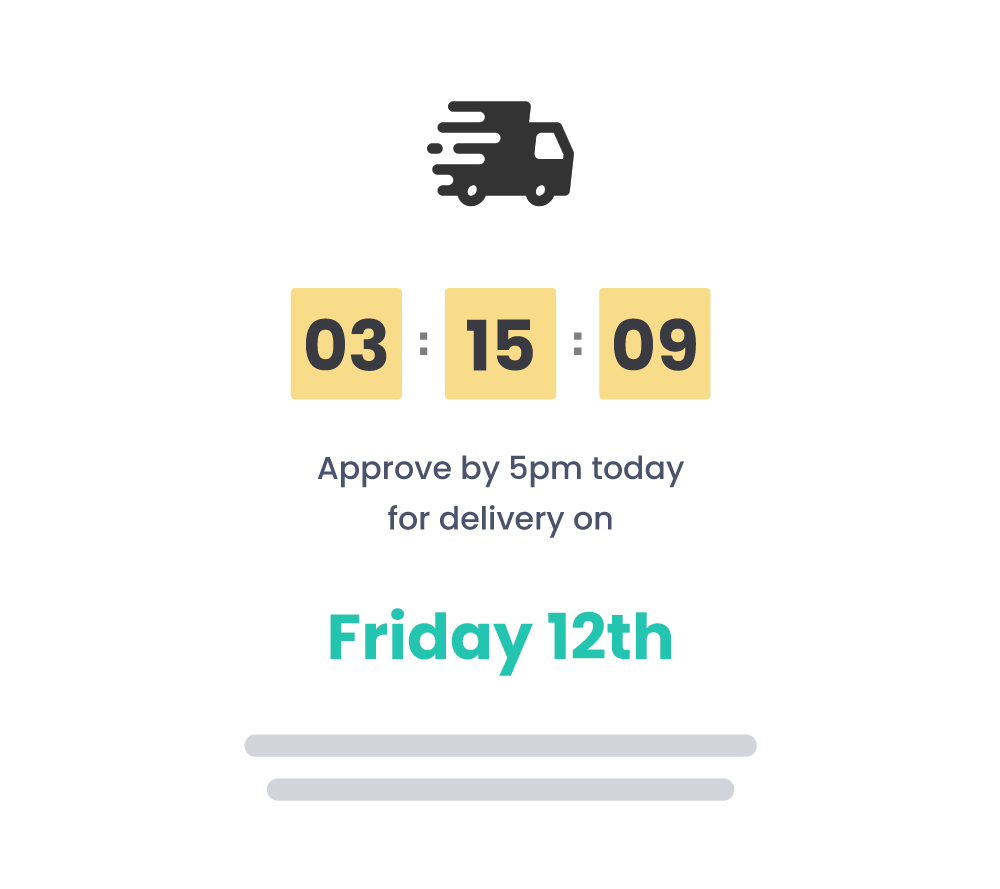
Keep customers updated on lead times whilst instilling a sense of urgency.
No. We generate a secure magic link that just works without any login or account registration. Customers open the proof in the browser from that link, leave feedback where it matters, and sign off when they are ready, without juggling attachments.
Our custom viewer is highly optimised for print workflows: proofs typically open in seconds on the customer's side, even on a weak connection and even when the source file is many gigabytes. Generic in-browser PDF viewers often try to render the whole file at once, which can freeze or crash on modest hardware, slow internet, or very complex PDFs. Ours is designed to avoid that.
Many print workflows still centre on PDF proofs, but you are not limited to PDF. We work with any image file as well, including raster artwork and scans. If you rely on a specific format or checklist, say what you need and we can point you to the right setup.
Comments can be pinned to the relevant part of the page, approvals sit on a clear timeline, and version control keeps earlier proofs to hand so nothing disappears into email threads.
Yes. Secure proof sign-off can include a checklist the reviewer must complete before they approve, covering spelling, colour, layout, contact details, or whatever you define. You control the items, so expectations are explicit at the moment they sign off, not weeks later when stock has landed. That cuts down on loose replies like "happy with that" turning into "I didn't know I was meant to check spelling," which often leaves printers footing a reprint.
Yes. You can turn off downloads so the file stays in our viewer only. That is useful when you are designing for a client and do not want them saving a copy to pass around outside your workflow; they can still review, comment, and approve in the browser.
Yes. Bounding boxes spell out bleed, trim, and safe zones so reviewers see the job the way prepress does. You can also switch to crop-to-trim when you want sign-off on finished dimensions only.
Yes. Built-in overprint preview shows how inks interact when they print on top of each other, so customers can spot registration and colour issues before you go to press. Rendering complies with Ghent Workgroup (GWG) specifications for consistent, industry-aligned results.
Yes. Structural overlays sit on the flat artwork in the browser, and you can reuse overlay libraries across cartons, labels, leaflets, and large-format jobs so everyone reviews in the same production context.
Yes. Flipbook-style proofing lets them page through brochures and other paginated work in order, closer to the printed piece than a wall of thumbnails.